See the essentials
Temperatures, targets, readings and equipment states in a configurable interface.
Temperatures, equipment states and trends in your browser, with your own heating monitor on your local network.
Explore the container package ↗Unofficial third-party software for Siemens LOGO!. Meant for private use and for adapting it yourself.
Temperatures, targets, readings and equipment states in a configurable interface.
Recorded history and CSV export help you inspect your system’s readings.
The application supports German, French, English and Italian.
This website only distributes files. It displays no live readings and has no connection to the heating controls. Set up the downloaded application on your own local network.
Original screenshots from the owner’s installation. The values are snapshots; these images are not connected to the heating system. The application interface is shown here in German.
Private details in the additional screenshots have been removed with opaque bars. All other image pixels remain unchanged.
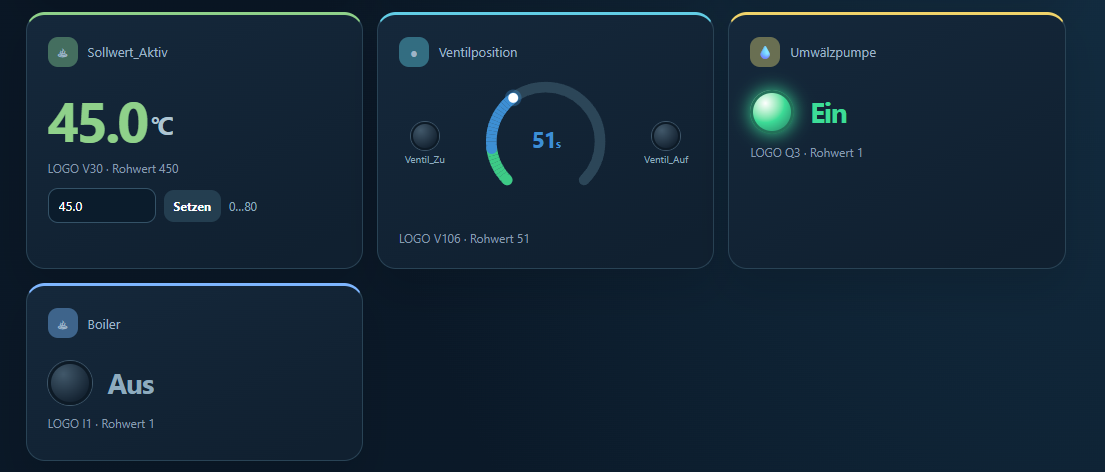
Setpoint, valve position, circulation pump and boiler in one view.
Open full-size image ↗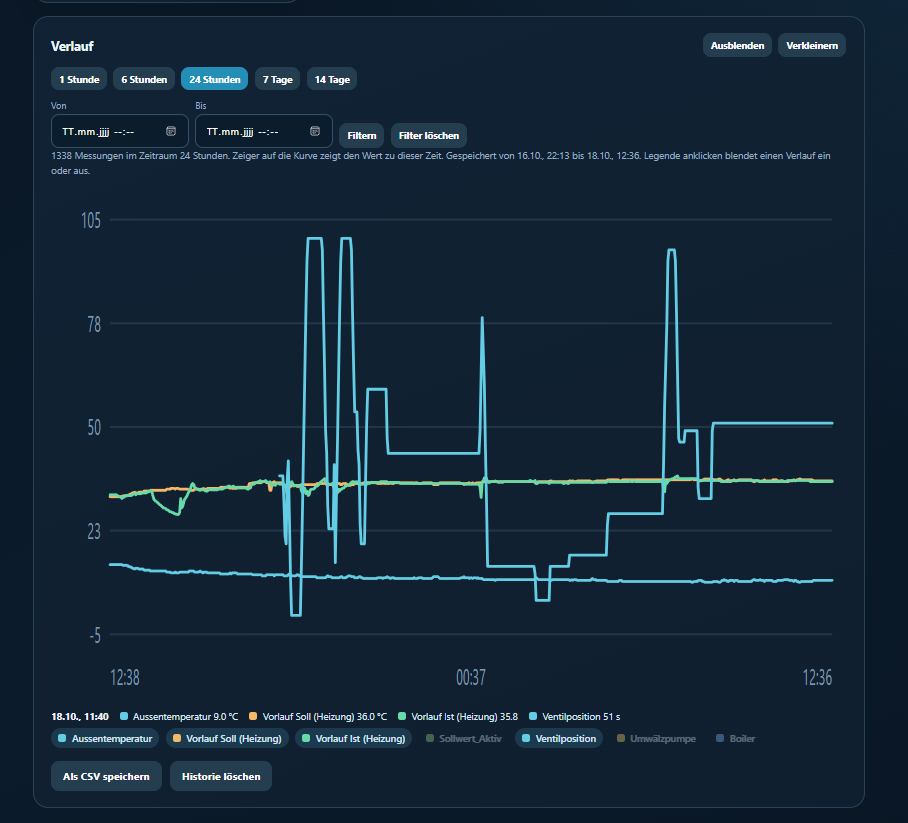
Temperatures and other readings with time-range selection and CSV export.
Open full-size image ↗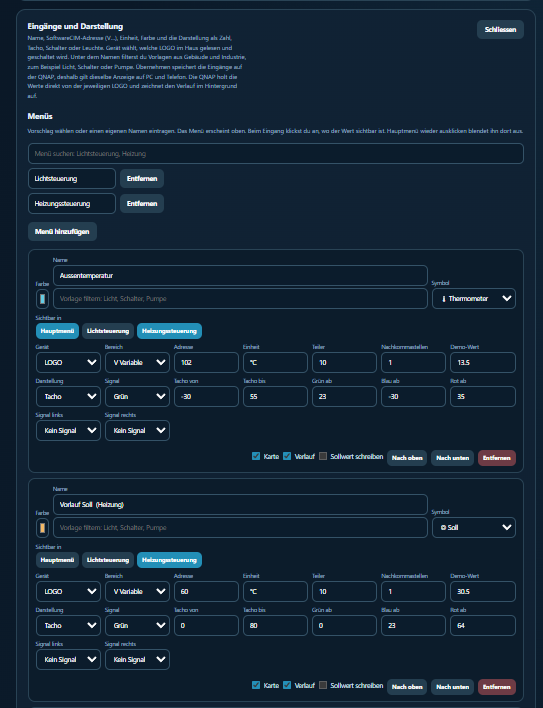
Match measurement addresses, units and display options to your own system.
Open full-size image ↗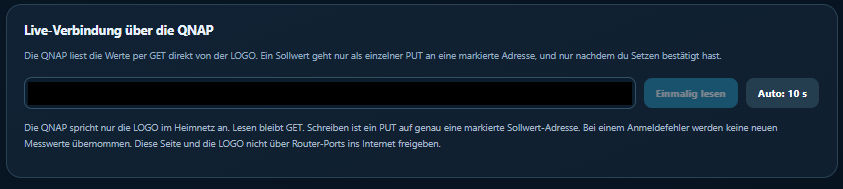
The local device connection view. Network addresses are permanently blacked out.
Open full-size image ↗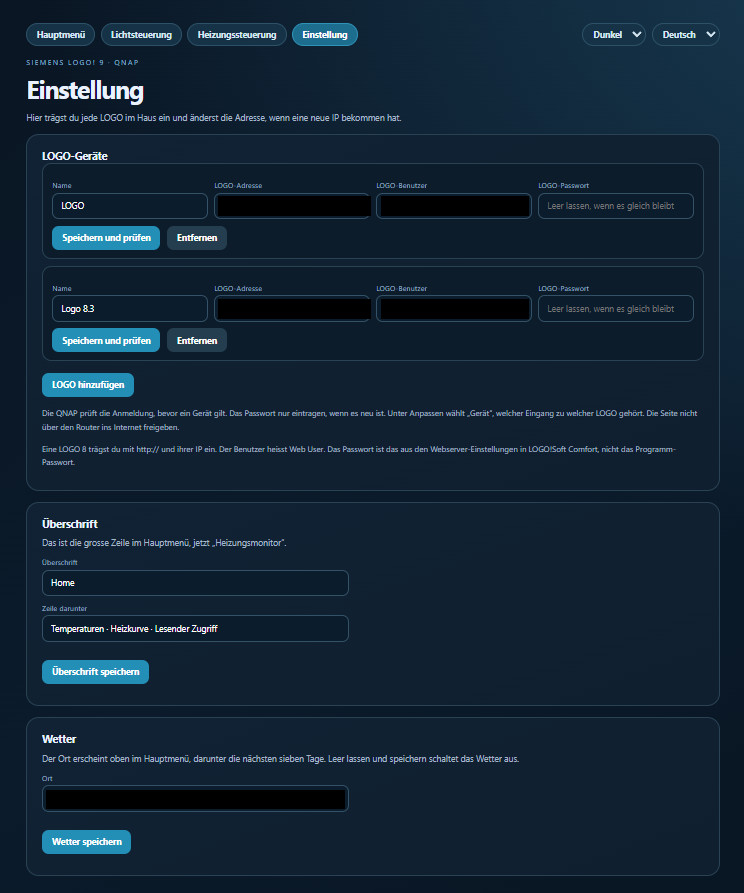
Device management, heading and weather settings. IP addresses, usernames and weather location are permanently blacked out.
Open full-size image ↗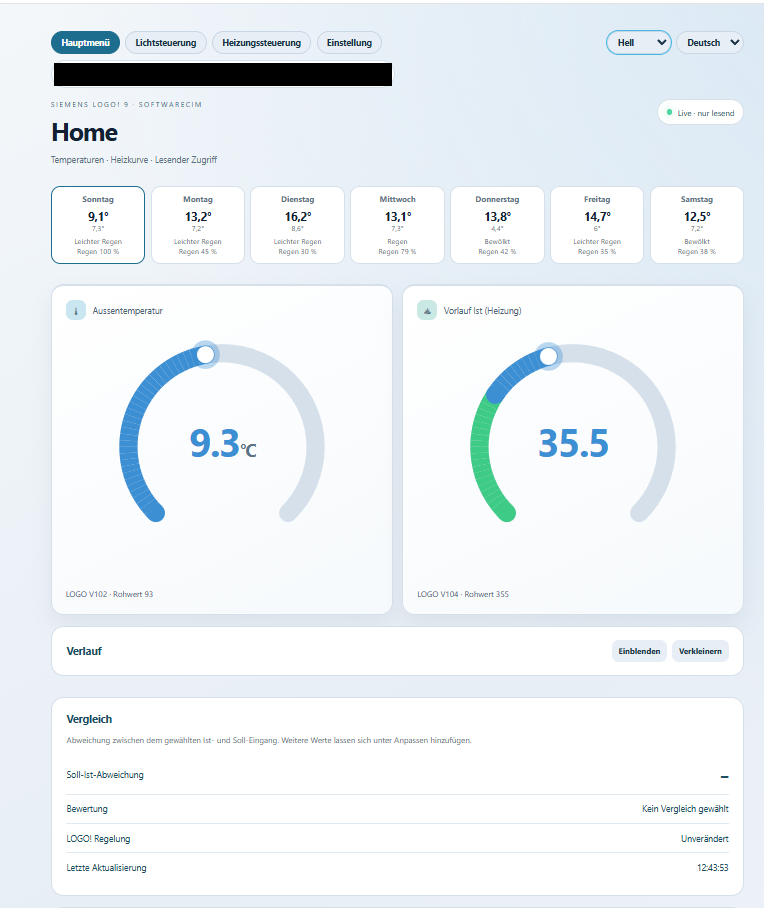
The light interface as an alternative to dark mode. The weather line containing the location is permanently blacked out.
Open full-size image ↗Download the ZIP and extract it into a dedicated application folder on the target system.
For QNAP, enter the absolute package path in docker-compose.qnap.yml. Create a separate application; port 8092 must be available.
Open the local server address on port 8092. Set your own application password and enter your LOGO! credentials.
Match measurement addresses and scaling to your own system. Test reading first; only change setpoints after verifying the mapping.
A public rating from 1 to 5 stars. This needs a free GitHub account. Only the latest review per account is counted.
…
Write a reviewContainer preview · package dated 18 October 2026. Python source, web interface and container configuration. No personal settings or measurement archives.
Download container ZIP ↓Downloaded from this button: …
Developer project without warranty. A licence and contact details can be added later.